Certified seal — full circle
The complete certified seal on white. Best for listing photos and printed material.
Download PNGResources
Certified hosts can download the official badge below and place it on their own property website, listing photos and booking confirmations. Everything here is free to use for as long as your certificate is valid.
The complete certified seal on white. Best for listing photos and printed material.
Download PNG
Transparent background with the certified ribbon. Best for website corners and footers.
Download PNG
A slightly wider ribbon version for banners and email signatures.
Download PNG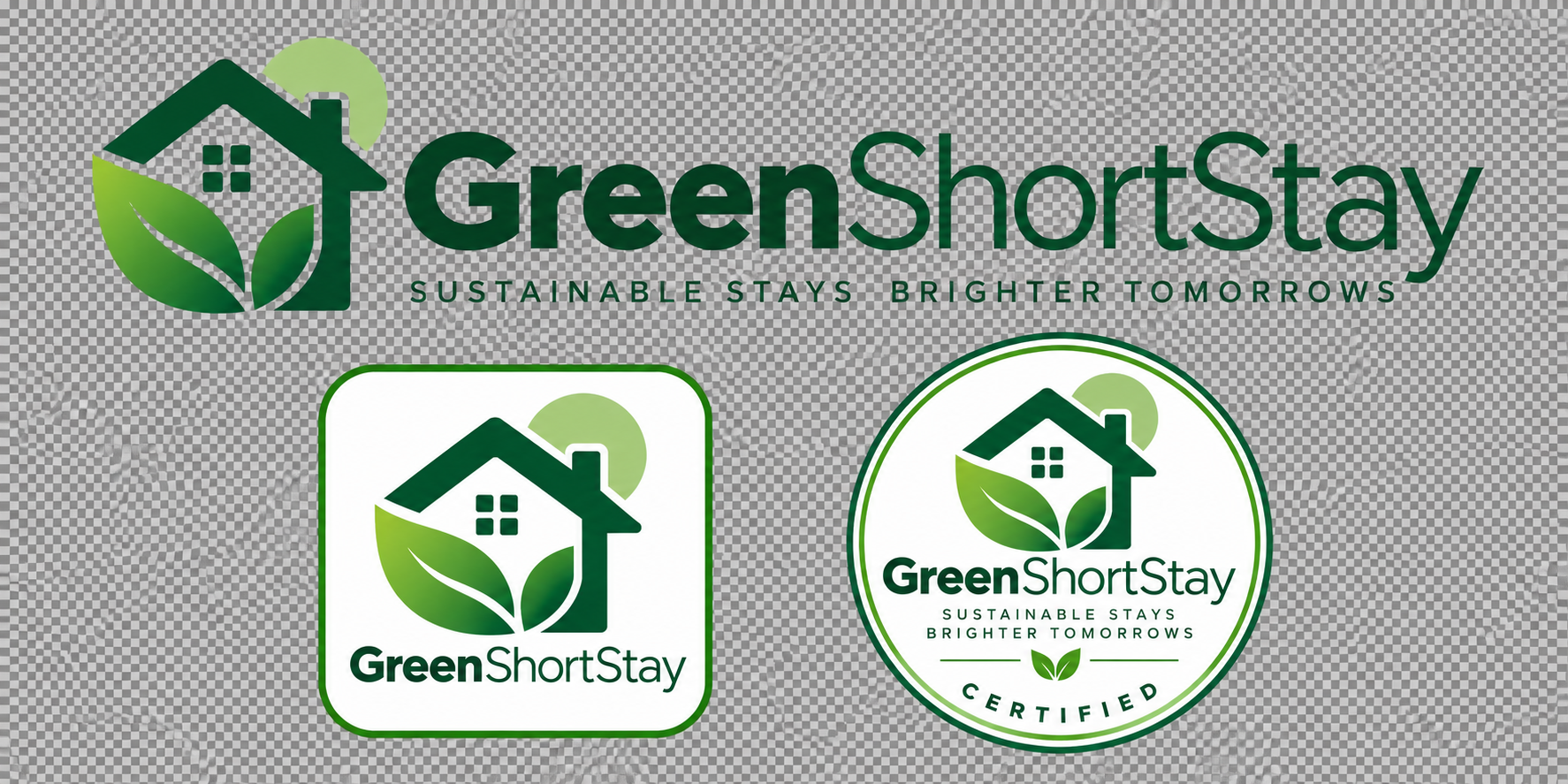
Horizontal wordmark plus square and round marks, all on a transparent background.
Download PNGPaste this snippet where you want the badge to appear. It links straight to our certificate check, so guests can confirm your certification themselves.
<a href="https://your-green-short-stay-site/for-guests#verify" target="_blank" rel="noopener">
  <img src="https://your-green-short-stay-site/__l5e/assets-v1/c4164cae-69bb-4b3a-80a6-6281f2043f2d/badge-seal-transparent.png"
       alt="Green Short Stay Certified" width="120" height="120" />
</a>The badge is reserved for properties that have passed an official review. Start with the free assessment to see where you stand, then submit for certification when you are ready.